Did you know that 70% of business owners who send review requests to their clients send the wrong link?
Most people open Google, search their own shop, copy the 200-character URL from the browser bar, and paste it. When a customer clicks that link on a phone, it just opens your homepage or overview tab — forcing them to go hunt for the review button. Half of them bounce right there.
A true Direct Google Review Link does something magical: when opened, it automatically launches the exact 5-star rating dialog box with the keyboard ready to type. Here is how to create yours in under 2 minutes.
Method 1: Direct from Google Search (Fastest Way)
Google recently made this super easy directly from search results:
- Open Google on your desktop or mobile while logged into the Google account that manages your business.
- In the search box, type:
my businessor your exact company name. - You will see your merchant management panel with options like “Edit profile”, “Promote”, and “Customers”.
- Click on the icon labeled “Ask for reviews”.
- A popup will appear showing your custom shortlink:
https://g.page/r/XXXXX/review. - Click the Copy Link button!
Method 2: Using the Google Place ID Finder
If you have multiple locations or can’t access your management panel right now:
- Go to Google’s official Place ID Finder tool.
- Type your business name and address in the map search bar.
- Click on your business pin. A Place ID (e.g.
ChIJN1t_tDeuEmsRUsoyG83frY4) will appear. - Copy that ID and append it to this URL template:
https://search.google.com/local/writereview?placeid=YOUR_PLACE_ID
Now, What Should You Do With This Link?
Now that you have your clean direct review link, you have 3 powerful ways to put it to work:
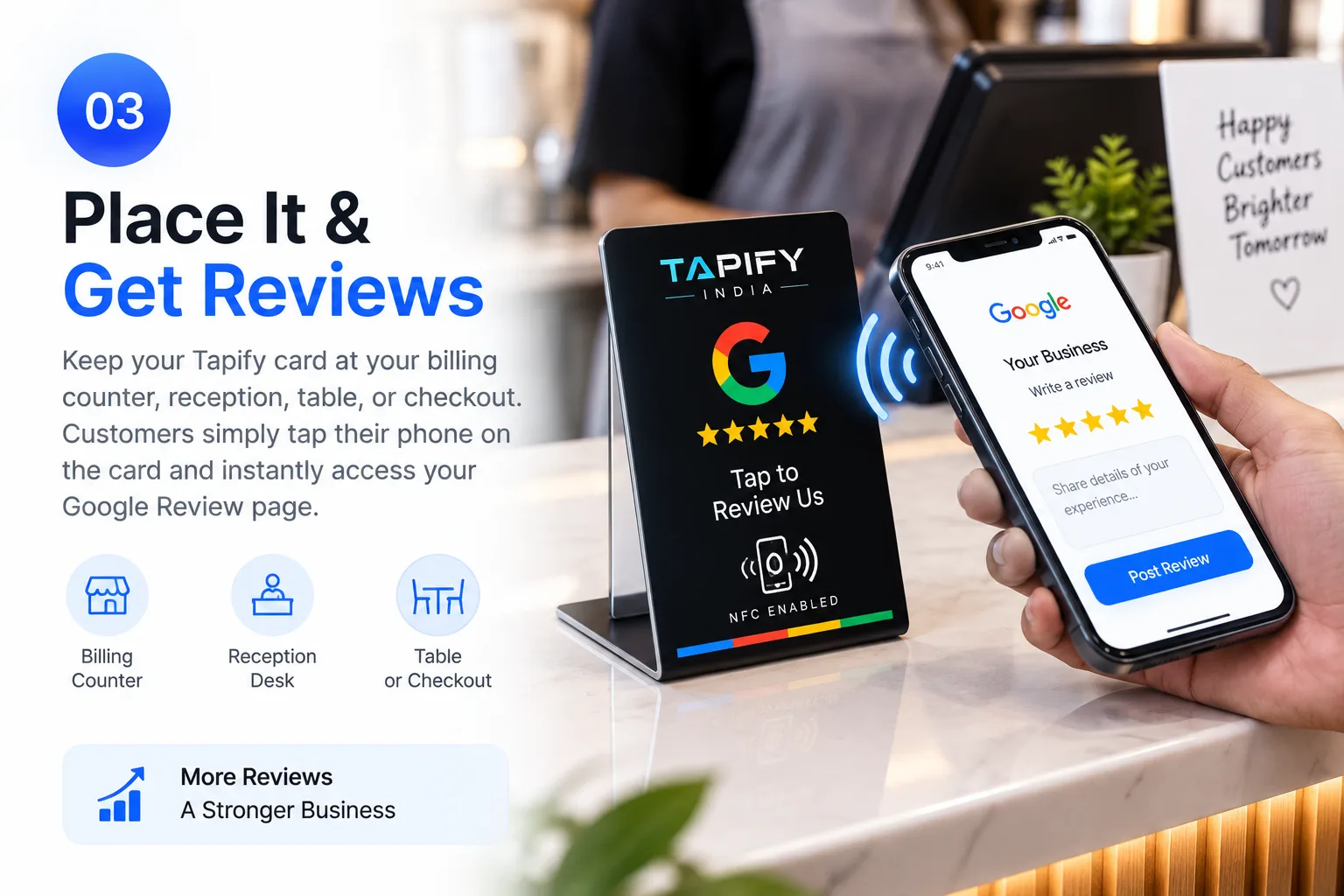
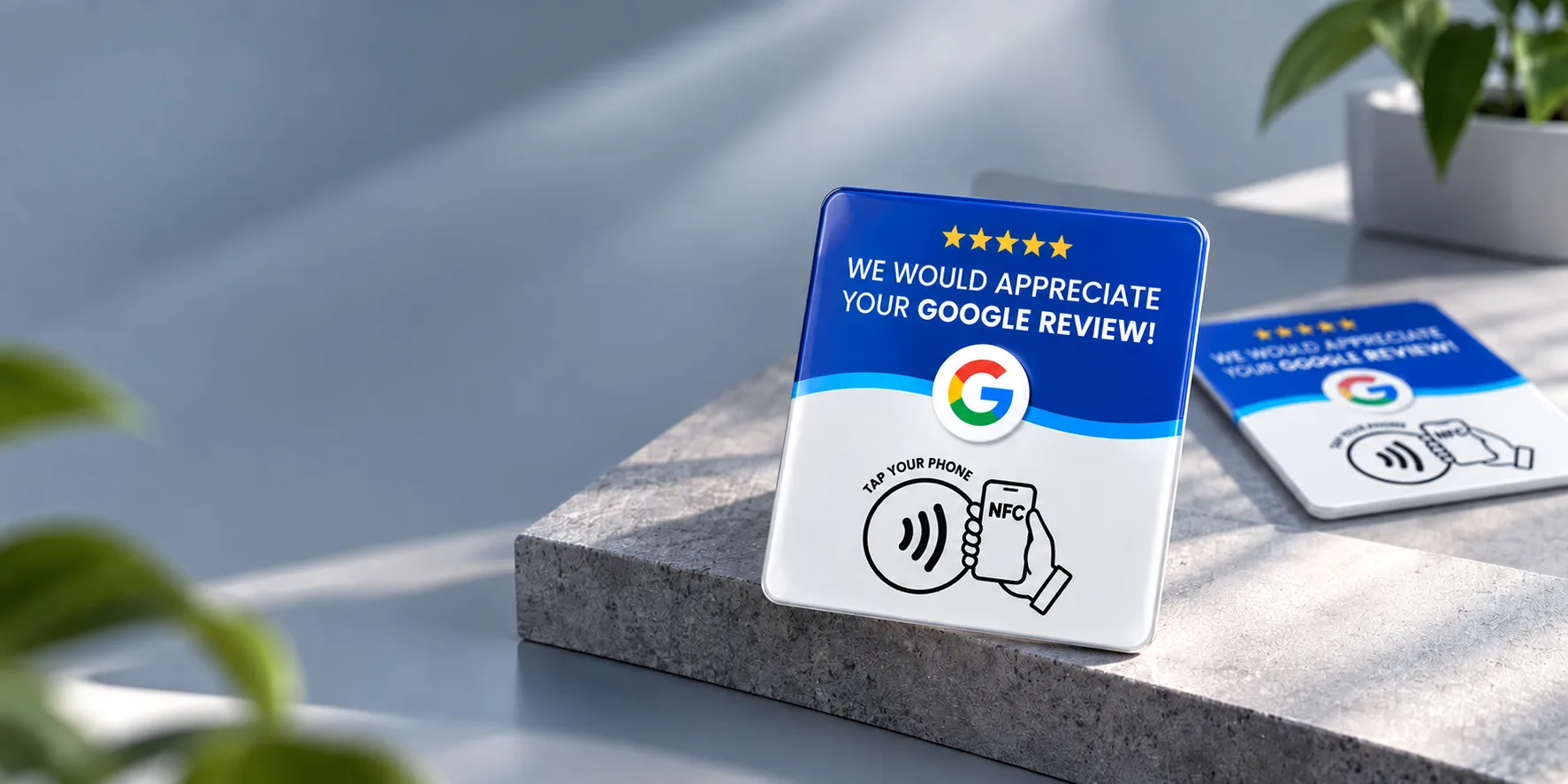
- Program It into a Tapify NFC Card: When ordering your Tapify card, share this link and we encode it directly into the NFC microchip.
- WhatsApp Automated Follow-up: Send it in your post-purchase thank you message.
- Email Invoices: Add a hyperlinked banner at the bottom of customer bills: “How did we do today? Rate us on Google!”
Don’t Want to Manually Program Cards?
At Tapify, we do the encoding for you! Simply paste your business name or Google link at checkout, and we dispatch pre-configured, plug-and-play cards ready to use the second you unbox them.